


Online and standby
Show when you are around, or leave room for silence.
Talk like a real walkie-talkie.
Talder gives your iPhone a place to talk for real: instant talks, calls, chats, groups and Waves, all closer together.
Available for iOS 17 and later.
A small gesture can make distance feel shorter.
Talk when you want, listen when you can.
How it works
The right rhythm for conversations you do not want to type.
Say hello to ciroreal. Explore messages, Talk and Telepathy Mode.
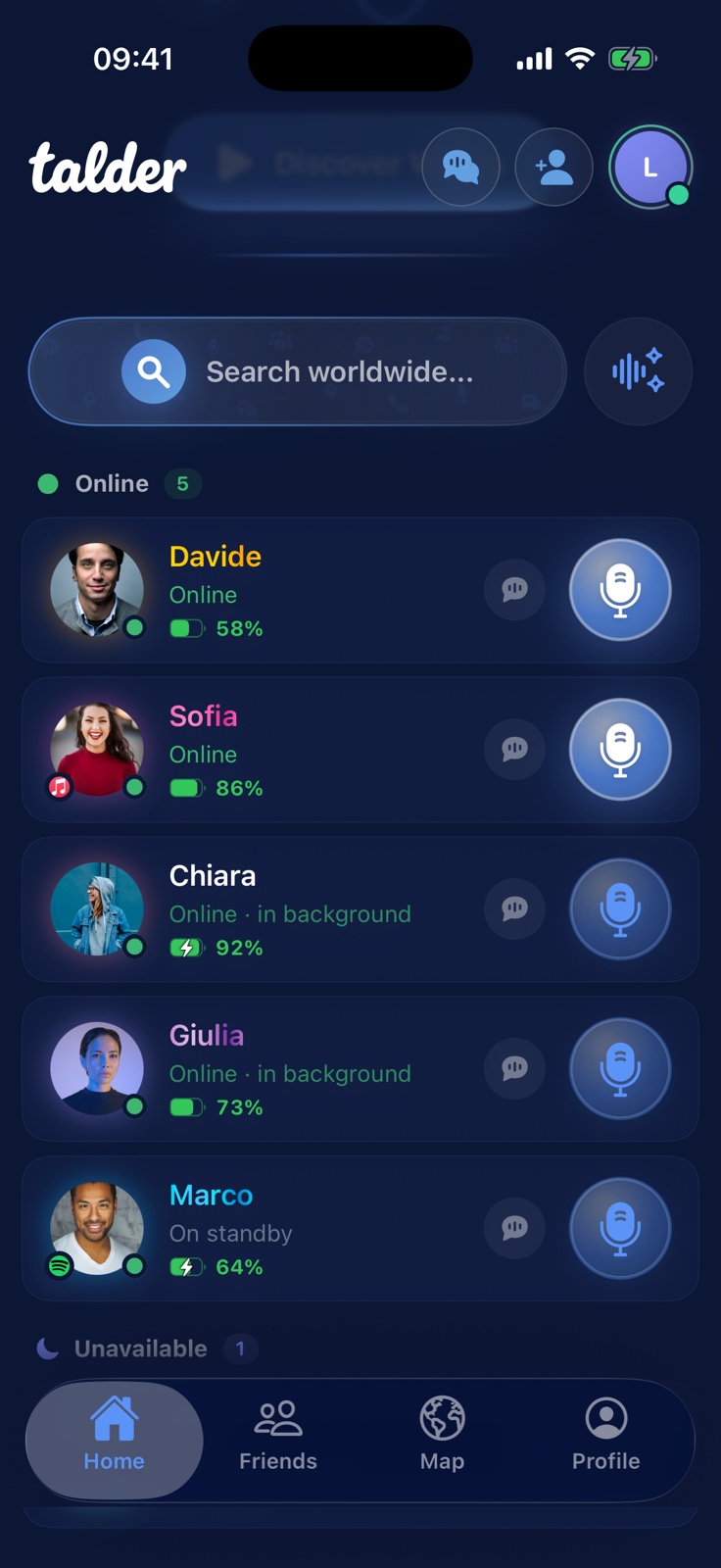
Talk and calls
Talk live with your friends and move to a call when the conversation wants to continue.
Waves
Discover voices, stories and people. Listen, reply and let sound start the conversation.
Discover Waves
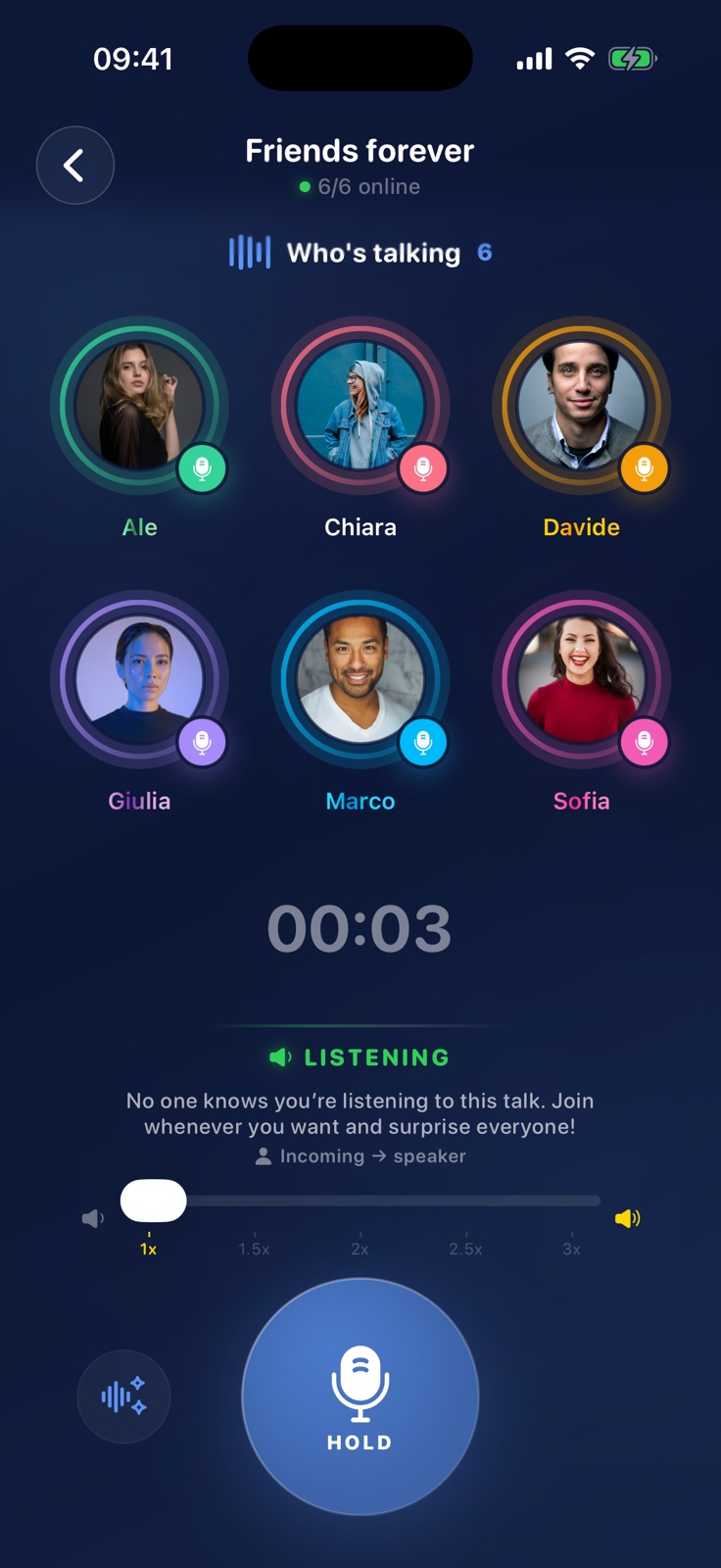
Chats and groups
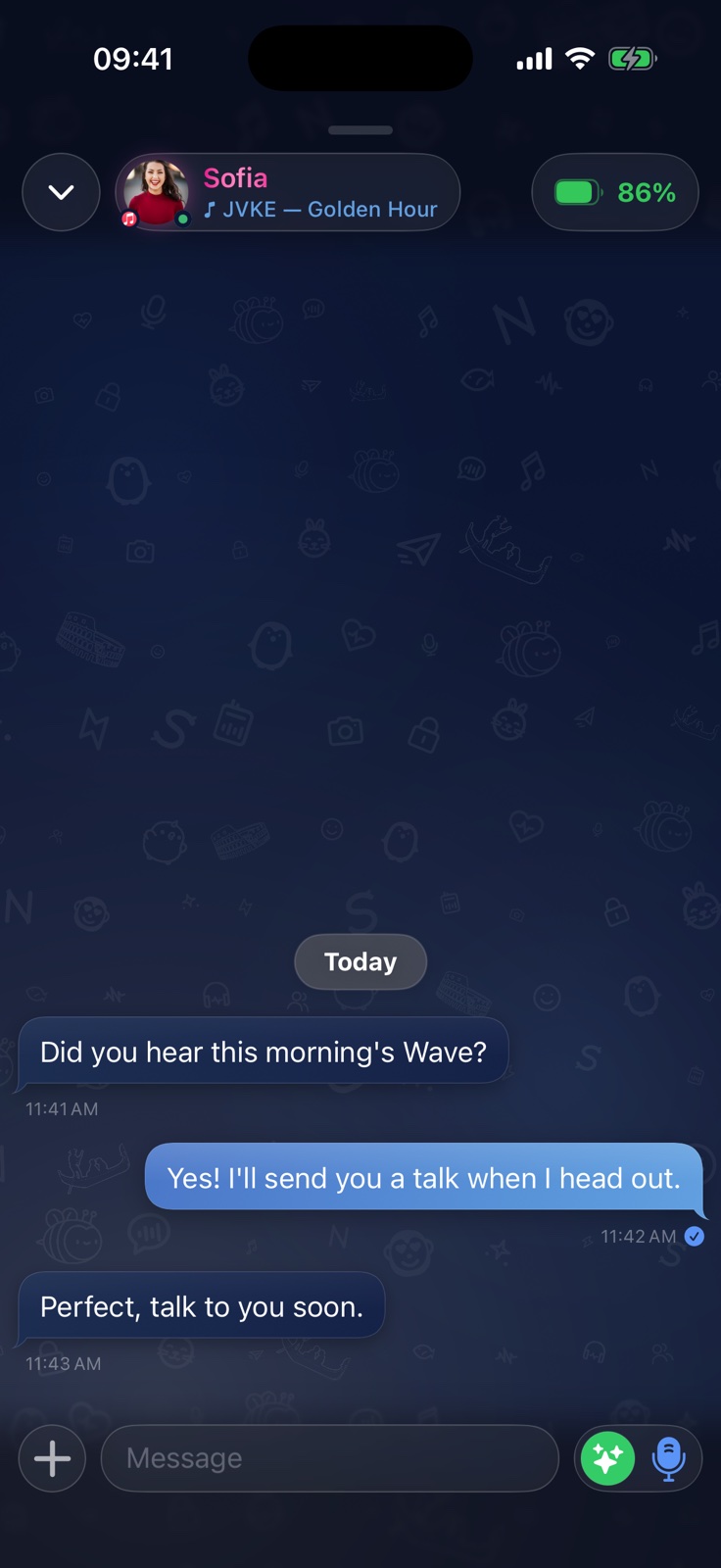
Messages, images, location, voice messages, talks and calls: move between them without losing the moment.
See your privacy controlsChat and Telepathy Mode
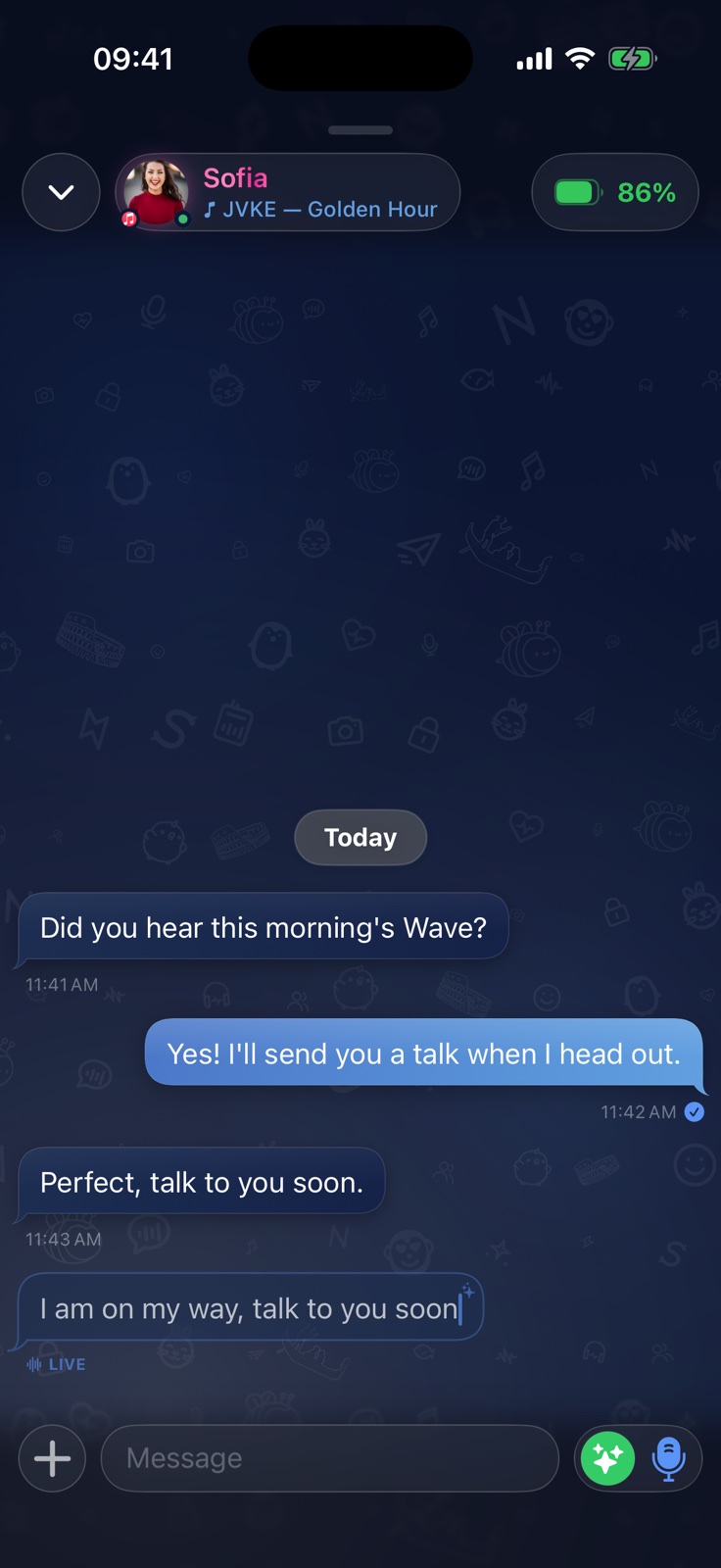
Chat keeps the essential controls within reach. With Telepathy Mode you can see a message while the other person is still typing it.
Voice and personalization
Transform your voice as you speak and carry the same style across the app. Talder includes more than 20 original effects and Apple presets.
Open the selector, choose the character of your voice and start a Talk: Talder applies it to the transmission.
Presence and connections
The information you share stays in your hands and depends on the settings you choose.
Show when you are around, or leave room for silence.
Choose when you want to receive talks and notifications.
Share it only with whom you choose, when you choose.
Let friends know what you are listening to, if you want.

Privacy
Talder lets you control activity, requests, your friends list, history, battery, music and location. You can block or report people and change your choices at any time.
FAQ · Discover Talder
The essential answers to understand what makes Talder different and choose how you want to communicate.
Talder brings instant voice, chat, Telepathy Mode, Waves, calls and groups together. You can choose the most natural way to be heard without switching apps or interrupting the moment.
If the iPhone is on and network, permissions and system conditions allow it, a Talk can wake Talder and deliver the voice even when the app is closed. Audio cannot be received while the phone is powered off.
It is a shared chat mode: when both people enable it, words can appear as they are typed, before the message is sent. You can turn it off at any time.
Discover voices and stories shared by other people, listen, react and reply with voice or text. It is the most open and spontaneous side of Talder.
In Group Walkie, one person talks and the other available participants hear the same Talk at the same time. The group also remains a space for messages, media and calls.
Yes. In the same conversation you can move between text, images, location, voice notes, Talks and calls while keeping everything close to the person or group you are talking with.
Talder is currently available on iPhone through TestFlight and requires iOS 17 or later. Some features depend on the device, network and permissions you choose.
No. These are optional and used only when you enable the related features. You can change permissions and visibility in Talder and iOS Settings.
Try the app, add your friends and let your voice speak.